Thursday, October 15, 2015

Digital Photo I: Weekend Work #6: Shadow

Weekend Work Assignment #6

One of the absolute best ways to improve your photography is to practice!

Doing is the best way to see results. In order to help you practice your photography, I will be posting a different assignment each Friday here on this blog for you to complete over the weekend. Be sure to post your shots on your blog before Monday so everyone can enjoy the results of these assignments when we are back in class, period 1. Make sure to title your post "Weekend Work #6".  Each Weekend Work assignment is worth 5 points in the practice work category.

This weekend's assignment is:

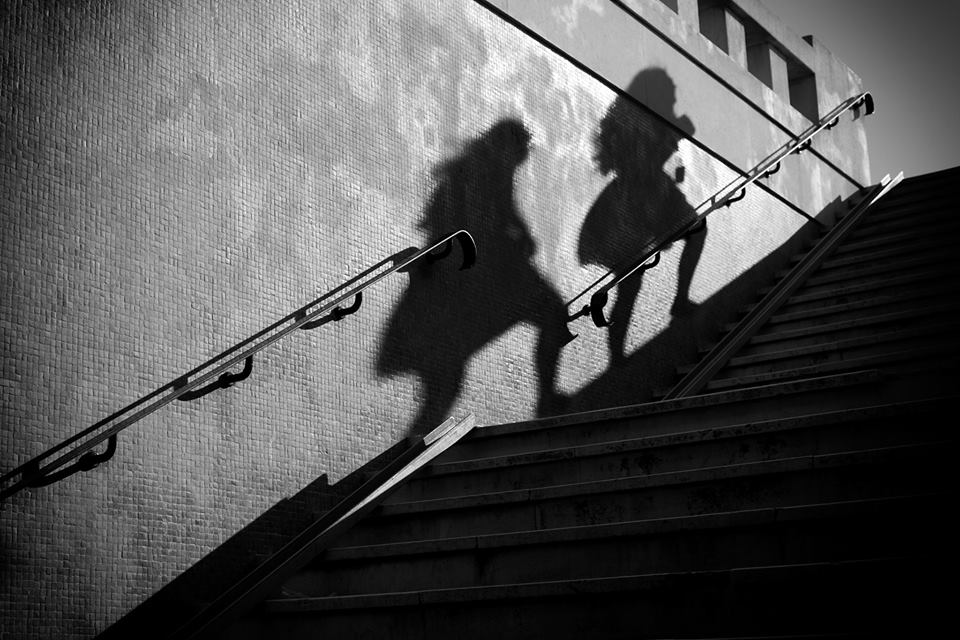
Shadow!  Focus on the beautiful effect of shadows in everyday environments. Photograph several types of shadows from nature light to artificial light.  Think about objects and people.  Share 3 different shadow photos you capture.

Some examples:
    

Wednesday, October 14, 2015

Digital PhotoI & II: Photo Watermark

Originally a watermark is a more or less transparent image or text that has been applied to a piece of paper, another image to either protect the original image, or to make it harder to copy the item e.g. money watermarks or stamp watermarks. Photographers use watermarks to protect their work. It is also like signing an artwork with your signature to validate that you were the creator.

Read this article and answer the two questions in a blog post:

To Watermark or Not to Watermark...


1.)  Are  you for or against adding watermarks to your images?

2.)  If someone took your photos & wouldn’t give you credit what would you do?


Examples of Watermarks on photos:


Digital Photo I & II: Peer Critique


Look in the right bar on this blog and click each student blog. On your blog, write a 3 paragraph critique about 3 of your favorite images by your peers. Include the photo (s) you chose in your blog post and who the artist was who produced the image.


Include a brief description of the work. What assignment was this photo for? How well did the photographer capture the images? What is good and bad about this photo? Why did you pick this photo?

Tuesday, October 13, 2015

Digital Photo I: Am I Talking to Myself Project


Take numerous photos of yourself or someone else relating to themselves in some creative way. Think about poses, expression, and location. You should photograph in a single location and capture 4 or more different poses of yourself/model. A tripod is optional, but suggested for this project. Merge them all together in Photoshop to make a fun and humorous montage titled "Am I Talking To Myself?" You should be using techniques you have learned over the past several weeks to complete this project.

For today, find more examples of this project and post one that you find interesting on your blog. Try looking up "multiple portrait photography".

This project is due Tuesday, October 13th.

Your Work:

Jade
Niki
Connie


Skye
Colin

Alegna
Enrico
Addy


Tim


Some Examples:

Jerard-1gxikdq[1]

Joh n L

Monday, October 5, 2015

Digital Photo I & II: Social Issue Poster


In Photoshop make a document 16×20- 150 resolution for your Social Issue Poster.

Pick a social issue which is close to your heart. Include a heading, body text, image (s) from online which visually show your views on this issue. Think about layout, design and composition when you put together your poster. After you save your final version as a jpeg, post to your blog and write 10 sentences explaining what this social issue means to you and your views on it, which should be obvious in your poster.

Samples of past student work below. (Please note that I did not require past students to have a heading and body text, but I am requiring that of you this year.)


Professional Example:

Friday, October 2, 2015

Digital Photo I: Terms

Define these terms in a post on your blog:


pixels, image resolution, megabyte, megapixel, gigabyte, jpeg, psd, white balance, histogram, aperture, shutter speed, depth of field, bitmap, exposure, watermarking, optical zoom, digital zoom, light meter, image stabilization, noise, lag time, hot shoe, fisheye, macro, telephoto, wide angle, DSLR.

Wednesday, September 30, 2015

Digital Photo I: 30 Photos That Changed the World


Read through this article about 30 Photographs that changed the world. Select 3 photos to write a complete paragraph reflection on each (at least 6 sentences per photo). Include the story behind each photograph, how it impacted the world and your opinion of it photo itself. Why are the images you choose iconic/important? What are the strengths in the photos? Do the photos convey any emotions?

Post your reflections on your blog by the end of class tomorrow (10-1).

Wednesday, September 23, 2015

Digital Photo I: Alphabet Photography


Using photography and Photoshop, you will create a word in photographs. Take a look at the examples and instructions below.

  • Think of a word you can recreate and have it approved with Ms. Baron. The word should be at least 5 letters.  You should have a word ready for tomorrow 9-24.
  • Look for images which represent letters and create a word in photographs. NO IMAGES FROM THE INTERNET!  You should be photographing with your own camera/phone outside of school.
  • Edit each of your photos separately in PS (adjust contrast and make b&w, etc.) and then make a new document to put the word in.
  • Make your document 16×8 200 resolution and fit your images in to make the word. If you need more space go to Image>Adjust>Canvas Size and re-size bigger.
  • Save as a jpeg and post to your blog.  This project is due Sept. 30th!
  • Critique:
    • List 5 valuable things you learned in Photo class so far this year when you post your word photo.
    • Critique TWO other classmate's word photos and post your response to the comments here on this post.

Bella-2d8ynen-xt6eu6[1]
Jerard-1h27dn5-29dxdhe[1]
Cassandra-zl3xp7[1]

YOUR PHOTOS:

Connie

Addy
Jade
Enrico

Sabrina


Skye


Tim

Niki

Tuesday, September 22, 2015

Digital Photo I: Pop Art/ Andy Warhol


For this photo assignment, you should photograph an object, which is POPULAR IN THE CULTURE TODAY. Think about objects you and your friends/family rely on or enjoy everyday! For practice, use any photo to try out filters and editing effects to try out ideas for your final project. The final photo should contain 4 heavily edited photos. Take a look at Andy Warhol's artwork below to get an idea about how the project is constructed.


Your Project Criteria:


  • Make 4 copies of the photo you chose, 4×6 or 6×4 (200 res) each, saving them Warhol 1, Warhol 2 and so on…
  • Work on each picture separately, experimenting with all the techniques we learned in class so far (filters, hue/saturation, gradients, colors, patterns, and more…) make sure there is contrast between the subject and the background!
  • When you complete the 4 individual photos, merge the layers in each.
  • Open a new document in Photoshop, 8×12 or 12×8 (200 res).
  • Select and move the four individual photos into the new document.
  • Save as a jpeg and post to your blog.
YOUR PHOTOS:
Addy
Colin
Connie
Jade
Sabrina
Skye
Enrico
Tim

Ivan
Alegna


Monday, September 21, 2015

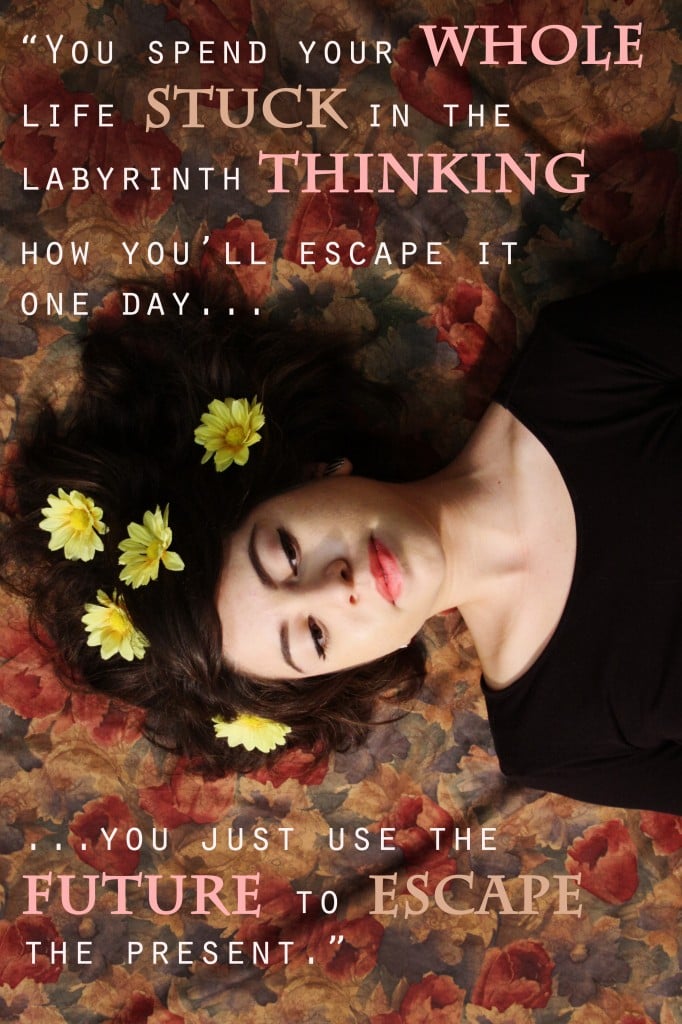
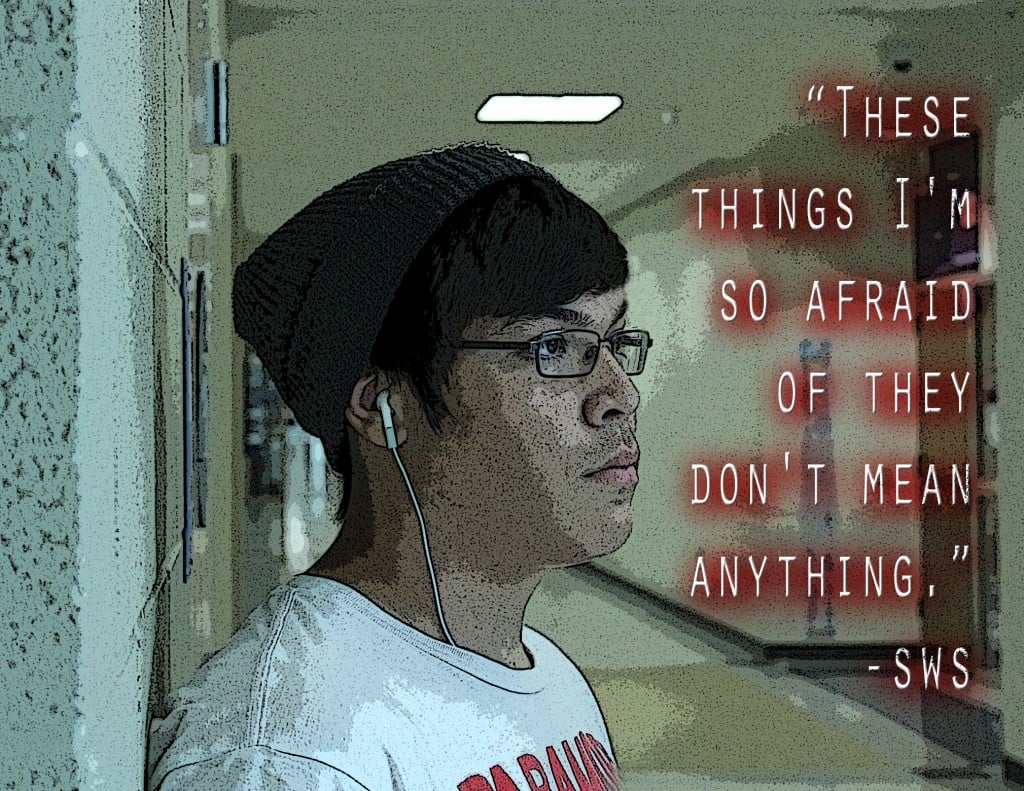
Digital Photo I: Meaningful Text Portrait

Take a self portrait. Edit your photo in Photoshop and add meaningful text which works with the photo to convey something about yourself. Write 5 sentences describing your work and why you choose your text. Post your work to your blog. Examples:
AdriannaRicardo


YOUR PHOTOS:


Jade
Ivan
Tim

Enrico
Connie

Addy

Alegna